
Add-ons
Website Backups
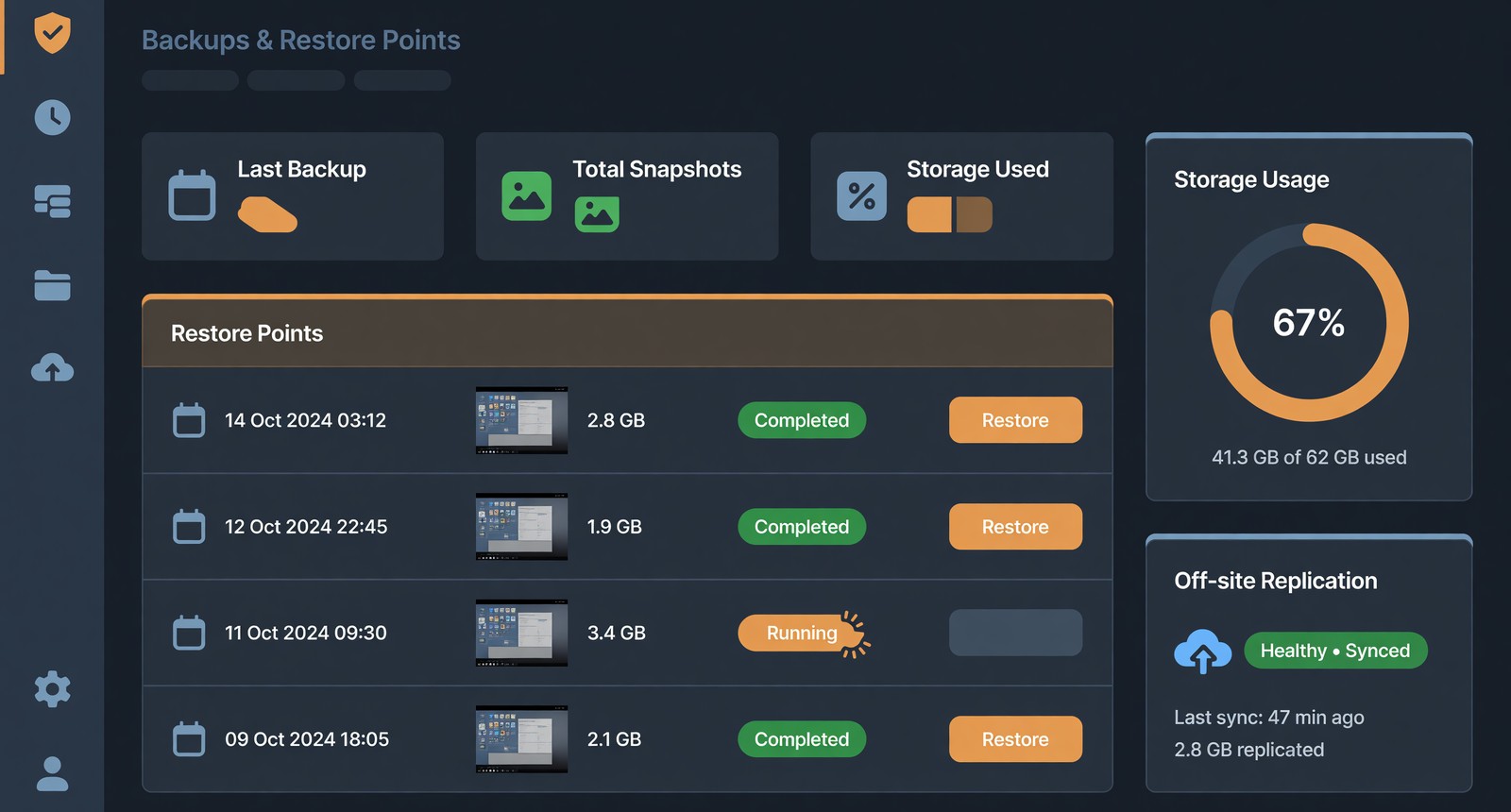
Automatic daily backups of your whole site
From $4.99 / month
- Every snapshot stored off your server
- Restore any snapshot in one click

Choose Your Plan
$4.99/month
Goes Well With This
Security Scanning
Weekly malware and webshell scans
3 features across 3 areas
Real Pattern Detection
- Files are scanned against genuine malware and webshell signatures, not just checked for having changed.
Nothing To Install
- The scan runs server-side against your files. No plugin to add and nothing to keep updated.
Reported Per File
- Anything flagged names the exact file it was found in, so you know precisely what to look at.
From $5.99
Take a lookSocial Scheduling
Queue posts to your own connected accounts
3 features across 3 areas
Write It Once, It Posts Itself
- Queue a post with the date and time it should go out and it publishes on its own. Nothing to open at seven in the morning, and nothing to remember on the day.
See The Whole Week At Once
- Everything scheduled sits in one list with its date and time, so you can tell what is going out and where the gaps are before the week starts rather than afterwards.
Posts To Your X Account
- Connect your X account once and scheduled posts publish straight to it. X is the platform supported today — anything else would need connecting before it could be scheduled, so this is what the feature does rather than what it might.
From $4.99
Take a lookWebsite Backups
Automatic daily backups of your whole site
3 features across 3 areas
A Full Copy Every Day
- A complete backup of your hosting account is taken every day — files, databases and email — without you starting anything or remembering to. The first one runs as soon as you point the subscription at the site you want protected.
Kept Off Your Server
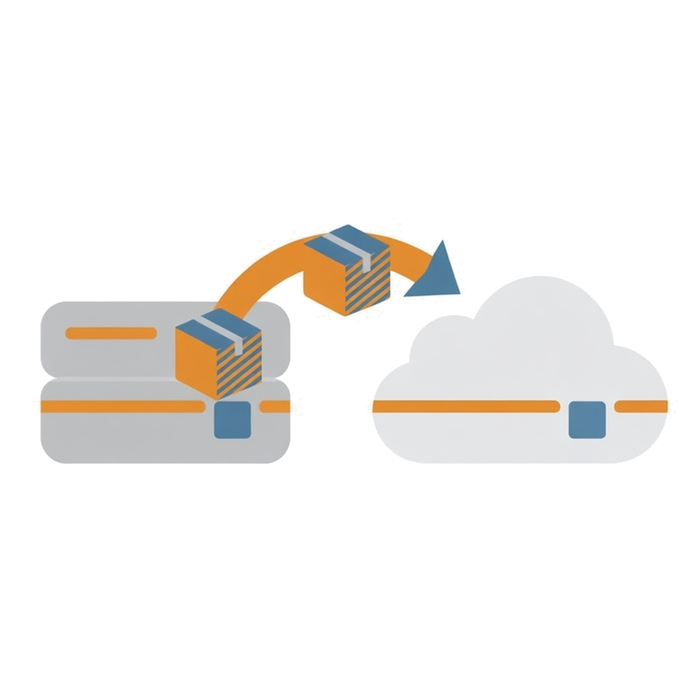
- Each backup is copied to separate storage rather than left on the machine it came from. A backup that only exists on the server it protects is not a backup — it disappears with whatever went wrong.
Go Back Further Than Yesterday
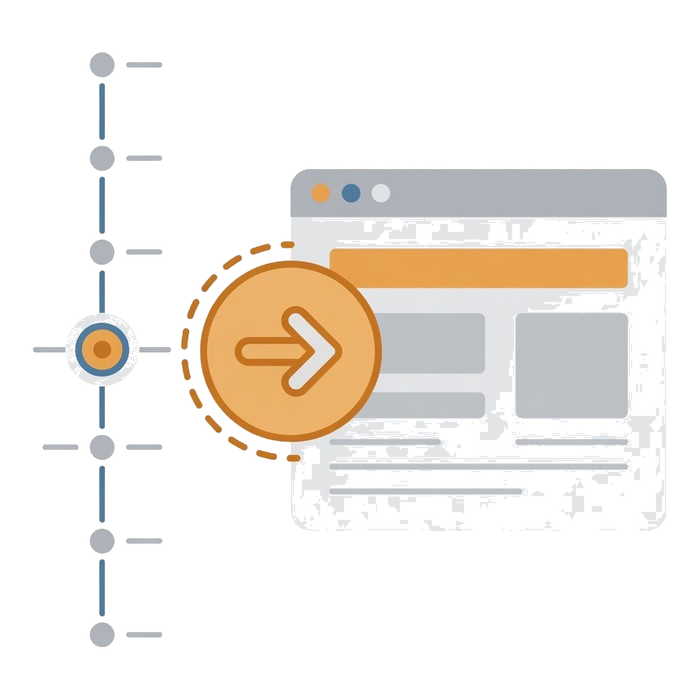
- Older copies are kept for your plan's retention period, not overwritten each night. That matters when something broke a week ago and nobody noticed until now — the most recent backup would have the same problem in it.
From $4.99
You're looking at this oneWebsite SEO Tool
Weekly automated audits of your live site
3 features across 3 areas
Audited Every Week
- Your live site is checked on a schedule across performance, content, links and technical health.
Written In Plain English
- Findings arrive as recommendations you can act on rather than metrics you have to interpret first.
Tracked Over Time
- Scores are kept week to week, so you can tell whether a change actually helped.
From $3.99
Take a lookWhat You're Actually Buying

A Full Copy Every Day
A complete backup of your hosting account is taken every day — files, databases and email — without you starting anything or remembering to. The first one runs as soon as you point the subscription at the site you want protected.
Kept Off Your Server
Each backup is copied to separate storage rather than left on the machine it came from. A backup that only exists on the server it protects is not a backup — it disappears with whatever went wrong.
Go Back Further Than Yesterday
Older copies are kept for your plan's retention period, not overwritten each night. That matters when something broke a week ago and nobody noticed until now — the most recent backup would have the same problem in it.
Questions Before You Buy
Have A Question?
If you can't find the answer you are looking for our support is just an email away.
Contact UsHow often are backups taken?
Once a day, automatically. Each run is stored as its own restore point rather than replacing the day before, so you keep a rolling history rather than a single latest copy.
Where are the backups kept?
Off the server your site runs on. That separation is deliberate — a backup sitting on the same machine as the site is lost in exactly the situation you need it.
How do I restore one?
Pick the snapshot you want from the list and restore it. There is nothing to download or unpack, and you do not need to raise a support ticket.
Ready When You Are
Pick a plan and your account is set up as the order goes through, not queued for later.